CHEXX Registration Philippines: Sign Up, Login and KYC
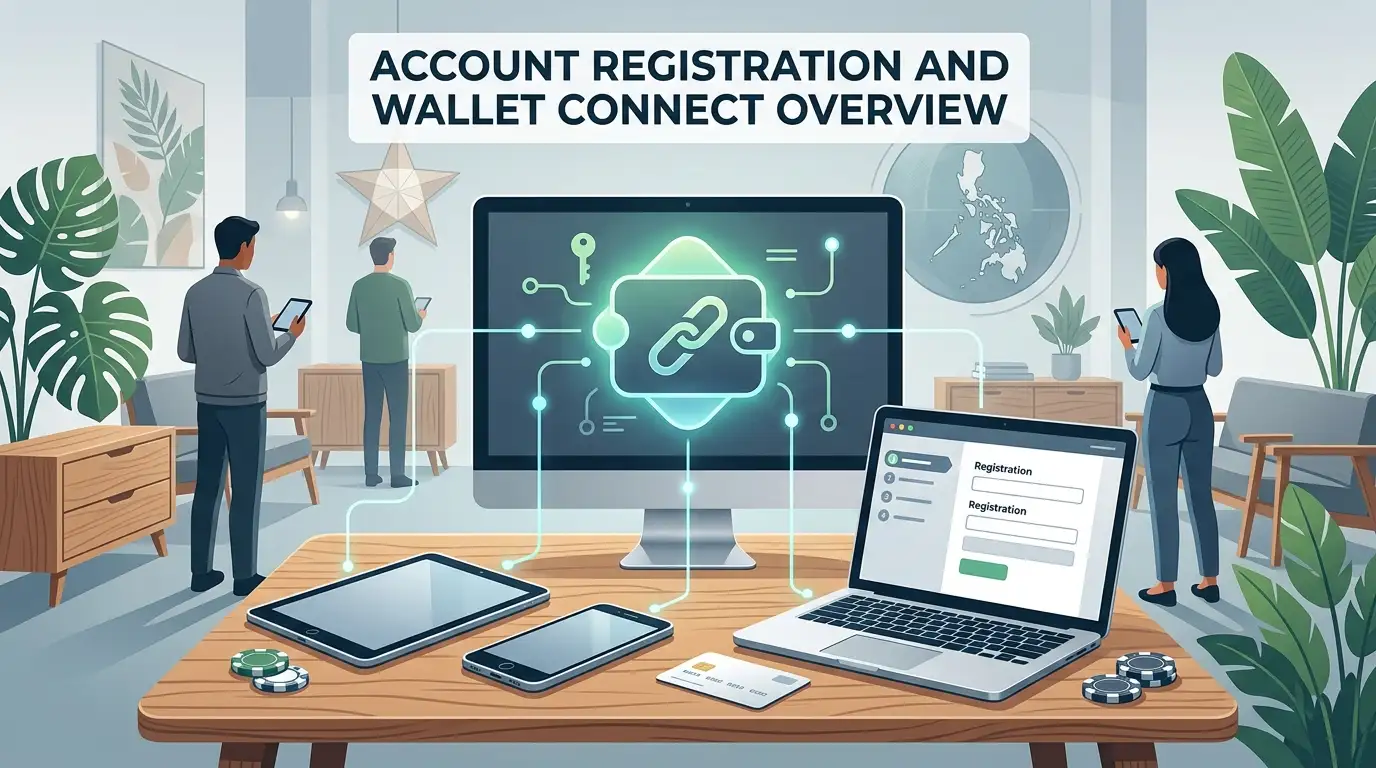
CHEXX supports four account-entry methods: email, Google, Telegram and WalletConnect. Users also declare their country in writing. Full identity verification is not described as a routine sign-up step; CHEXX states that KYC is required only if suspicious activity is detected. That makes the account flow relatively light at registration, while still leaving CHEXX able to request verification if fraud or anti-money-laundering controls are triggered. CHEXX does not publish one universal KYC document list or a guaranteed review time. The full picture is in our CHEXX review for the Philippines.
Four registration methods
The available routes are email, Google, Telegram and WalletConnect. They lead into the same CHEXX account system, but they place login control in different places. Email uses a conventional credential, Google relies on an existing Google identity, Telegram connects registration to the messaging account, and WalletConnect uses a crypto-wallet session.
Choosing one method does not create a different version of CHEXX or a different verification policy. The country-declaration requirement and the conditional KYC trigger remain the same regardless of how the account is opened.
Email registration
Email is the most conventional choice for players who want CHEXX access separated from a social account or crypto wallet. It keeps the login identity tied to a mailbox the user controls and is straightforward to understand across browsers and devices.
The practical requirement is to protect the email account itself. A weak or inaccessible mailbox can become an account-recovery problem even if the CHEXX credentials are correct. Email users should therefore use a unique password, keep recovery access to the mailbox and avoid signing in from shared devices.
Google registration
Google registration is useful for players who already manage their identity through a Google account and prefer not to create another standalone login. It reduces the number of separate credentials to remember, but it also makes Google account security part of CHEXX account security.
Google authentication should not be confused with CHEXX KYC. Signing in through Google confirms access to that Google identity; it does not prevent CHEXX from requesting identity verification later if suspicious activity is detected.
Telegram registration
Telegram is both a registration route and part of CHEXX’s access ecosystem. That makes it a natural option for users who already use Telegram regularly or intend to open CHEXX through its Mini App. The important account point is that Telegram login depends on continued access to the Telegram account and the device or recovery methods protecting it.
CHEXX uses different Telegram bots for different purposes: @ChexxBetBot is the game-access bot, while @ChexxSupportBot is the support bot. Keeping those roles separate helps prevent account questions from being sent to the wrong channel.
WalletConnect registration
WalletConnect is the most crypto-native sign-up route. Instead of relying on email or a social identity, the user authorizes the connection through a compatible wallet session. This can be convenient for players who already manage crypto wallets and prefer a wallet-linked account entry.
The security trade-off is different from email or Google. WalletConnect users should review connection prompts carefully, protect the wallet device and never disclose seed phrases or private keys. Losing control of the wallet can affect more than CHEXX access, so the underlying wallet should be treated as a high-value credential.
Which registration method is the best fit?
| Method | Best fit | Main security dependency |
|---|---|---|
| Users who want a conventional standalone login | Mailbox and password | |
| Users who already rely on Google identity | Google account recovery and security | |
| Telegram | Telegram-first users and Mini App users | Telegram account and device access |
| WalletConnect | Crypto-native users | Wallet control and connection approvals |
No method is universally better. The strongest choice is the one the player can secure and recover reliably. A fast sign-up is less useful if the underlying email, social account or wallet later becomes inaccessible.
Country declaration is separate from KYC
CHEXX says the user must declare their country in writing. That declaration is part of the brand’s regulator-based country restriction model. It establishes the jurisdiction the player says they reside in, but it is not the same as submitting identity documents.
This distinction is important because country information and identity verification answer different questions. CHEXX can accept a written country declaration during normal onboarding while still reserving KYC for accounts that trigger suspicious-activity checks.
When CHEXX requires KYC
CHEXX states that KYC is required only if suspicious activity is detected. Fraud checks, anti-money-laundering alerts or another suspicious-activity signal can therefore lead to verification even if the account opened without document submission.

That policy should not be simplified into either “full KYC at registration” or “no KYC ever.” Routine onboarding is lighter than a mandatory-verification model, but conditional verification remains part of the account rules.
What the published KYC policy does not specify
CHEXX does not publish one universal document checklist or a fixed KYC processing time. It also does not promise that verification can never be requested during a later account review. Those details should be taken from the instructions attached to the specific review if KYC is triggered.
The licence and KYC context page covers the compliance background. This registration guide stays focused on what a user needs to know about opening and accessing the account.
Login across browser, PWA, Telegram and desktop
CHEXX can be accessed through the website, PWA, Telegram Mini App and desktop clients. Those access formats do not create separate accounts. The same account rules apply when a player changes device or access method.
What does change is the login dependency. A Google or Telegram user still needs access to that external account, while an email user depends on mailbox credentials and a WalletConnect user depends on wallet control. Keeping the original sign-in method recoverable is more important than the device used to open CHEXX.
Account security and recovery
Protect the credential behind the chosen registration method. Email users should secure the mailbox, Google users should maintain recovery options, Telegram users should protect the account and device, and WalletConnect users should guard wallet approvals and private credentials.
CHEXX lists 24/7 support through live chat, [email protected] and @ChexxSupportBot. Those channels are the appropriate place for login or verification problems. The support bot should not be confused with @ChexxBetBot, which is used for Telegram game access.
After the account is open
After registration, the next step depends on the player: fund your account with a supported crypto route or review the welcome bonus conditions before depositing. The CHEXX Philippines review covers the wider product beyond account setup.
Country declaration and restricted jurisdictions
CHEXX’s published restricted-country list contains Belarus, Russia, Ukraine, the United States, Iran, North Korea and Myanmar. The Philippines is not on that list. That is why entering the correct country matters during account setup: the declaration is part of the operator’s acceptance rules rather than a cosmetic profile field.
A player should not use another country to bypass a restriction or create an inconsistent account record. The account policy is built around the user declaring the actual country in writing. If the declared jurisdiction later conflicts with account activity, that inconsistency can become relevant to the same suspicious-activity controls that can trigger KYC.
Returning to the account after registration
The safest way to return is to use the same identity route used at sign-up. Email users should keep access to the original mailbox; Google and Telegram users should use the same external account; WalletConnect users should connect the wallet that controls the original session. Creating another sign-in route simply because one credential is temporarily unavailable can create confusion about which account is being accessed.
CHEXX does not publish a separate account type for browser, PWA, Telegram or desktop use. Those are access formats, not new registrations. Moving from a phone browser to a desktop client therefore should be treated as logging into the same CHEXX account, with the same country and verification rules.
If KYC is triggered
A KYC request should be handled as an account-specific verification event. CHEXX’s public policy gives the trigger – suspicious activity – but not one fixed document package for every player. The practical response is to follow the instructions issued for that review rather than assume that a generic casino document list applies.
The same limitation applies to timing. CHEXX does not publish one guaranteed KYC completion period. A player should therefore avoid treating an unrelated support-response figure or withdrawal estimate as a KYC deadline. Support can clarify the request, but the verification process itself depends on the account review. What the account is for: funding and payouts.
Common account-access mistakes
- Registering with one Google or Telegram account and later trying to enter with another.
- Losing access to the email mailbox used for account recovery.
- Approving WalletConnect requests without checking the wallet and destination.
- Confusing @ChexxBetBot with @ChexxSupportBot when asking for account help.
- Assuming that no KYC at sign-up means verification can never be requested later.
- Entering an inaccurate country instead of following the written declaration requirement.
These are account-control issues rather than casino-game or payment questions. Resolving them starts with the credential used to register and, when needed, the official CHEXX support channels.
 Sweet RewardBF Games
 Fuzzy WuzzyPoggiPlay
 The Book of AmaterasuMascot Gaming
 Crazy MummyPascal Gaming
 Tiger RushThunderkick
 StarburstNetEnt
 GemonexBetixon
 Epic JourneyRed Tiger Gaming
 Sugar LandFelix Gaming
 Wong ChoySpadegaming
 Trickstar SpinsYggdrasil Gaming
 Mystic Fortune DeluxeHabanero
 Gates of OlympusPragmatic Play
 Classic BlackjackClassic
 Vegas Strip BlackjackClassic
 Multihand BlackjackMultihand
 Perfect Pairs BlackjackSide Bet
 VIP American BlackjackVIP
 Single Deck Blackjack GoldSingle Deck
 American BlackjackClassic
 European BlackjackMultihand
 Blackjack Lucky LadiesSide Bet
 Vegas Downtown Blackjack GoldGold Series
 Ultimate Blackjack with RachaelLive-style
 Double Exposure BlackjackDouble Exposure
 Quantum Blackjack PlusMultiplier
 Premier Blackjack with Side BetsSide Bet
 Blackjack 21 ClassicClassic
 Roca Riches RouletteThemed
 French RouletteNetEnt
 Who Wants to Be a Millionaire RouletteThemed
 Quantum RouletteMultiplier
 Lucky RouletteClassic
 Double Ball American RouletteDouble Ball
 Gold RouletteGold Series
 Immortal Romance RouletteThemed
 European RouletteClassic
 Monopoly Roulette TycoonThemed
 RouletteRelax Gaming
 Auto RouletteSwitch Studios
 Dragon RouletteThemed
 Mini Roulette 3DMini
Written by the editors at Chexx Casino.